
Login Instructions | CMS Knowledge Base
Login Instructions
- Navigate to either the NSU homepage or any page that you would like to edit. Scroll down to the bottom of the page where
the footer of the page is. Click the tiny clocktower icon at the bottom right of the
page (above the social media icons).

- Clicking on the icon will take you to the Modern Campus Login page.
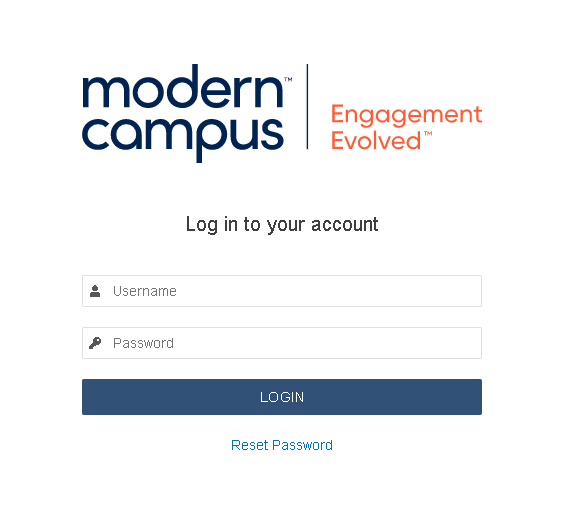
- Use the login information provided to you in the welcome email that was sent to your
NSU email upon the creation of your Modern Campus account.
- If you are experiencing any issues with logging in, please contact us at webcommunications@nsuok.edu.
- Click the login button to log into Modern Campus.
Tip
- You will be denied access if you log into a page that you are not assigned to manage.
- If it is your first time logging in, please change your password.
Troubleshooting
NOTE: If someone else has the page checked out, you will not be able to access the page to edit.